SwiftQuest

Opening soon · the first two islands are free

Learn Swift by writing it, running it, and seeing what it did.

SwiftQuest is a course in Swift, the language behind Apple's apps, laid out as a journey across fifteen islands. Every quest has you write real Swift and run it on a real compiler, in your browser, with nothing to install.

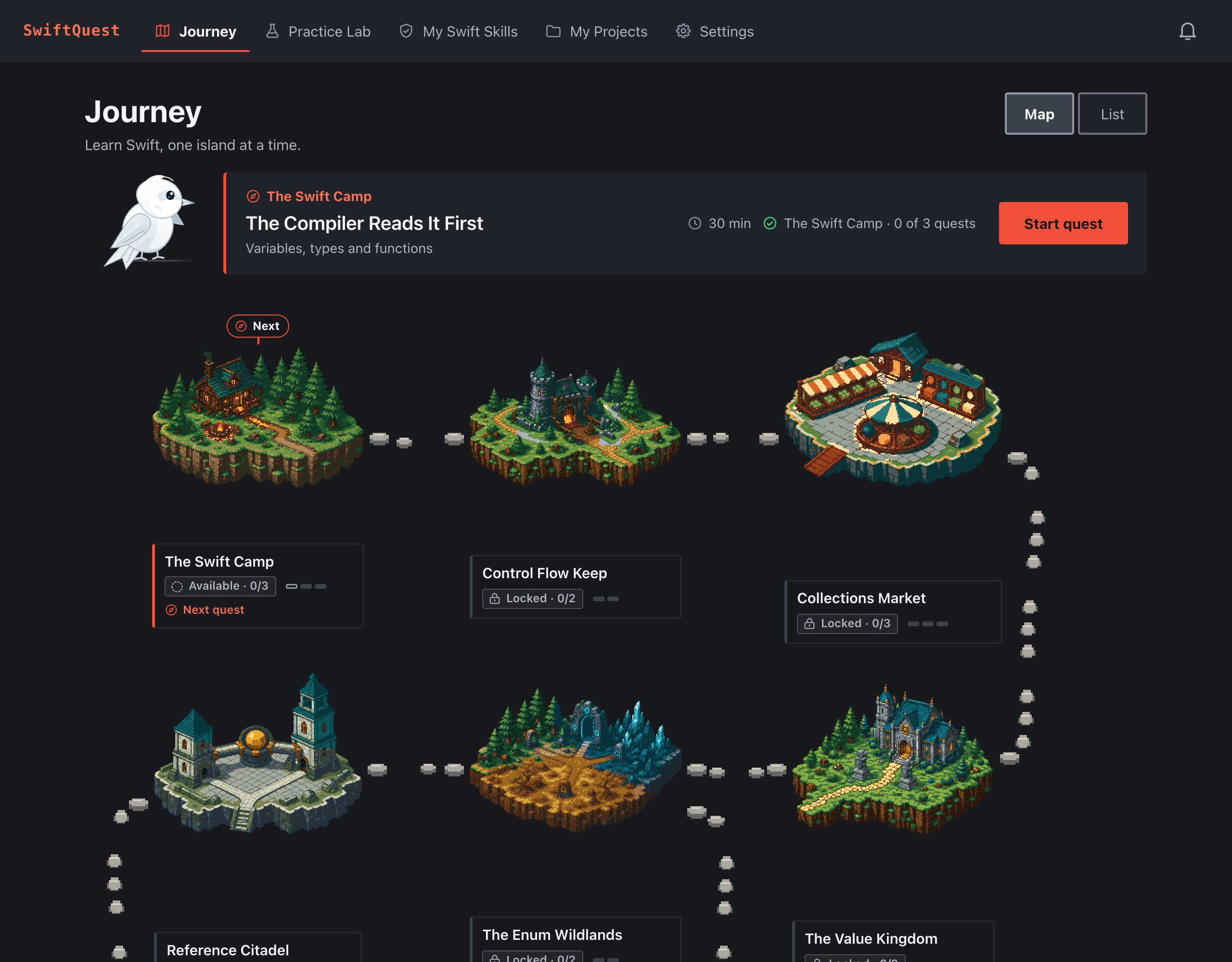
The SwiftQuest journey map: The Swift Camp is marked Next, with its first quest, The Compiler Reads It First, ready to start. Beside it stands the white swift.

How a quest works

Short explanations, then your hands on the code. Most quests take 30 to 50 minutes.

  1. Read a little, then run it

    Each idea comes with a worked example you run and change, with a short checklist of things to try.

  2. Predict, write, repair

    Encounters ask you to predict what code prints, write a program from a brief, or fix one that will not build.

  3. See what happened

    Swift's own messages, explained in plain words, and replays that step through what your program actually did.

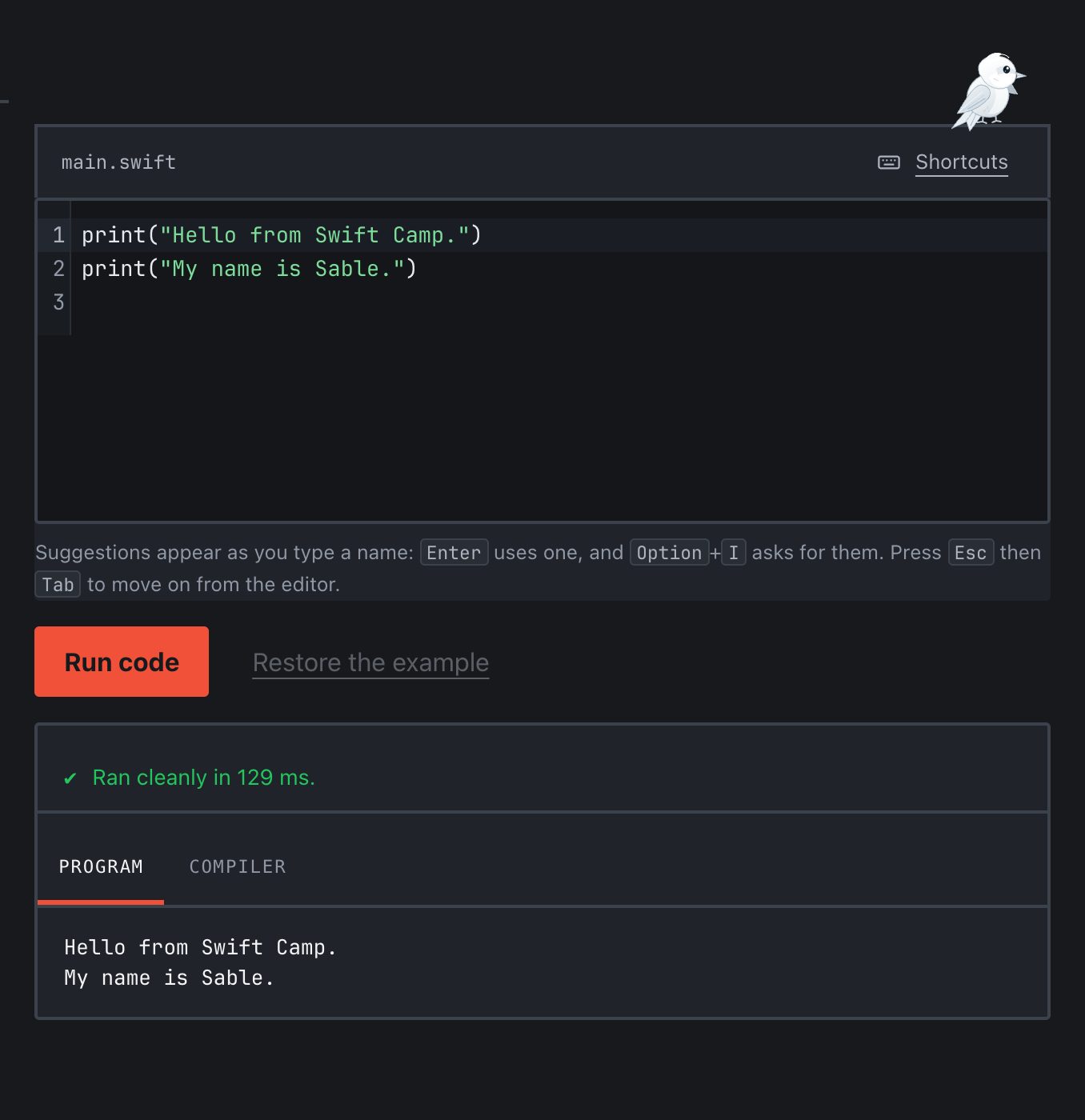
A worked example: two lines of Swift that print a greeting, the Run code button, and the output, Hello from Swift Camp. My name is Sable. The white swift stands on the editor.
A worked example, run. Change the name and run it again.
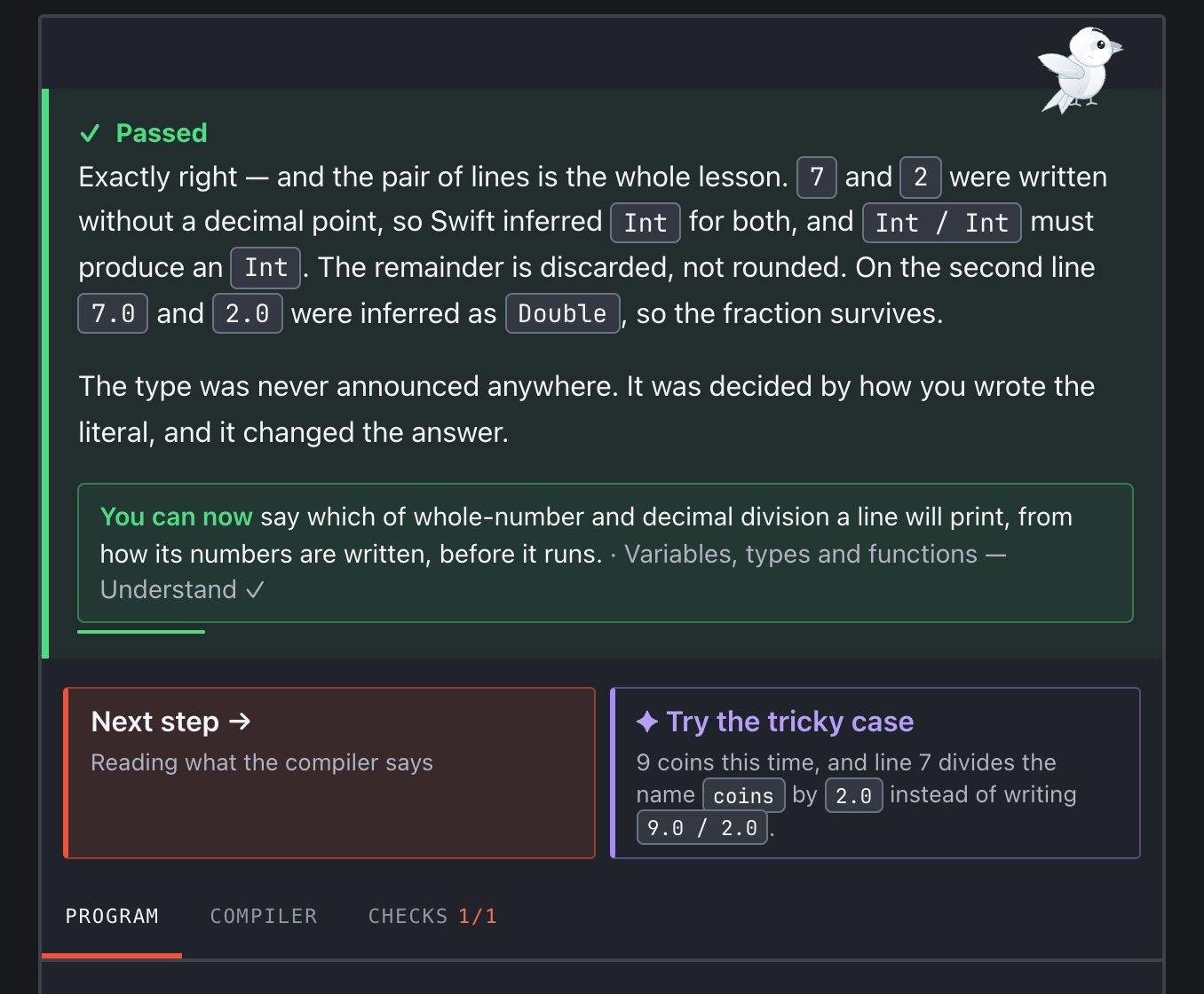
A passed prediction: Swift inferred Int for 7 and 2, so Int divided by Int gave a whole number. Beneath it, You can now: say which of whole-number and decimal division a line will print. Then two ways on: Next step, and Try the tricky case.
A prediction, checked: why it was right, what you can now do, and where to go next.

Fifteen islands, from your first line to a whole program

40 quests, 148 encounters and 57 worked examples, in the order that builds on itself. The last island hands you a brief and a test suite and leaves the design to you.

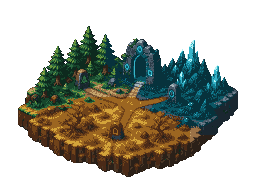
  • Island 1

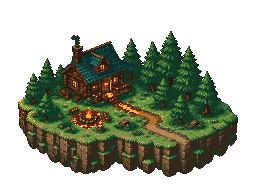
    The Swift Camp

    Variables, types and functions. Enough Swift to use everything else: values, types, functions, and the single most useful habit in programming — reading what the compiler tells you.

    Free
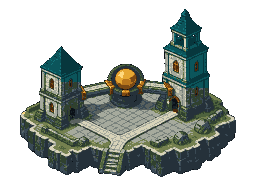
  • Island 2

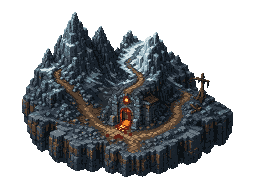
    Control Flow Keep

    Conditions, loops and optionals. Programs decide. This world is about making those decisions readable: conditions, optionals, pattern matching, and the difference between branching and leaving.

    Free
  • Island 3

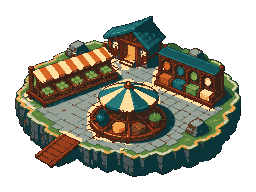
    Collections Market

    Arrays, sets and dictionaries. Four shapes for holding more than one thing, the operations that reshape them, and the judgement of which shape the problem actually has.

    Pro
  • Island 4

    The Value Kingdom

    Structs and value semantics. Most of the types you will write in Swift are structs, and the single most important thing about them is what happens when you assign one to something else.

    Pro
  • Island 5

    The Enum Wildlands

    Enums and associated values. An enum is not a tidier way to write constants. It is a way to describe a situation so precisely that the impossible versions of it cannot be written down — and to make the compiler tell you every place that needs attention when the situation grows.

    Pro
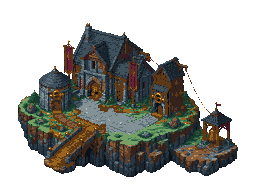
  • Island 6

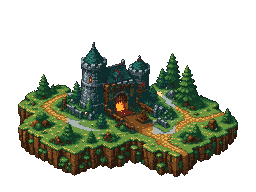
    Reference Citadel

    Classes and inheritance. Types whose values are shared rather than copied: identity, inheritance, casting, and the judgement about which of your models genuinely need to be one thing that everybody sees.

    Pro
  • Island 7

    Protocol Guild

    Protocols and generics. A protocol names what a type can do without saying what it is. That one move lets a battle engine work with combatants it has never heard of, and lets a downloader report finishing without knowing who is listening — which is all delegation ever was.

    Pro
  • Island 8

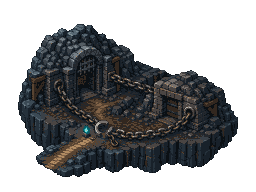
    Closure Caverns

    Closures and callbacks. A closure is a function you can hand to something else — and, less obviously, everything it was still holding when you handed it over.

    Pro
  • Island 9

    Error Handling Peaks

    Errors and Result. Things go wrong: files are missing, input is malformed, a payment is refused.

    Pro
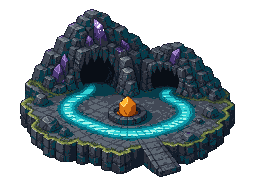
  • Island 10

    Memory Dungeon

    ARC and reference cycles. Swift frees a class instance the moment nothing is holding it any more.

    Pro
  • Island 11

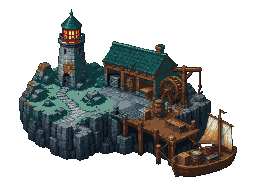
    Foundation Harbor

    Foundation, JSON and files. Everything so far you wrote yourself. Here the data arrives from somewhere else — a file, an export, another program — in a format nobody consulted you about.

    Pro
  • Island 12

    Regex Ruins

    Regex and text matching. Log lines, chat commands, filenames. Text written for people to read, arriving in a program that has to understand it.

    Pro
  • Island 13

    Swift Artificer's Workshop

    Extensions, wrappers and macros. Everything here exists to remove repetition you would otherwise write by hand.

    Pro
  • Island 14

    Concurrency Frontier

    Async, await and actors. Most of what a program does while it feels slow is wait. Swift's concurrency is built around that: a function can pause without blocking anything, work that does not depend on other work can overlap, and shared mutable state is protected by the compiler rather than by your memory.

    Pro
  • Island 15

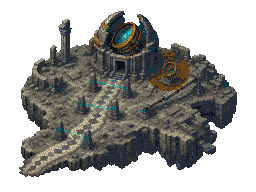
    Capstone Isles

    Build a complete Swift program. Every encounter so far told you which idea it was about. These do not.

    Pro
What makes it different

Swift's own words, made readable

When the compiler objects, you see exactly what it said, with a plain explanation added underneath, never instead.

Help when you want it

Tap the white swift for the next hint, or open the worked solution. Asking for help never takes away anything you have earned.

Skills you can show, not points

31 skills, each shown three ways: you understand it, you can use it, and you can solve a new problem with it. My Swift Skills says which, and how.

Your programs, kept

The programs you write are saved to My Projects, where you can open them again and make another version.

Practice that follows you

The Practice Lab offers short practice on what you just learned, on a set-up you have not met before.

Honest about time

About 40 to 55 hours for a beginner, and 25 to 30 for someone who already programs. The two free islands take about three to four hours.

Free to start

The first two islands are free. Pro opens the other thirteen, by the month or once for good, and your first payment can be refunded within 14 days, no questions asked.

Free

The first two islands

€0

  • The Swift Camp and Control Flow Keep: five quests, about three to four hours for a beginner
  • The Practice Lab for what they teach
  • My Swift Skills and My Projects
  • Your progress saved to your account
  • Export or delete your data at any time

Pro, once

Keep this course

€59one time

  • Everything in Pro, monthly
  • Pay once and keep this Swift course, including its updates
  • No renewal, nothing to cancel

Later courses, if there are any, are sold separately.

The details

Taxes and currency

Prices are in euros and include VAT where it applies. Before you pay, the checkout shows the final price, in your own currency where that is available.

Refunds

Your first payment, monthly or one-time, can be refunded in full within 14 days, no questions asked. Monthly renewals are not refunded: cancel at any time and Pro stays until the end of the month you paid for. One refund per learner. Refunds and withdrawal has the whole policy.

When Pro ends

You keep everything you have earned: completed quests, your skills, your programs, and your export. The free islands stay open. Opening new Pro quests and running their code waits until you renew.

Fair use

Generous daily limits on running code keep the service fair for everyone, with far more room than a day of learning needs.

Who you pay

Our order process is conducted by our online reseller Paddle.com. Paddle.com is the Merchant of Record for all our orders: it handles billing, taxes, receipts and refunds, and your statement will show Paddle. Questions about a payment can go to Paddle at paddle.net, or to us at info@swiftquest.dev.

Questions

Do I need a Mac, or Xcode?

No. Your code runs on SwiftQuest's servers, so any modern browser will do. A computer with a keyboard is best; a phone works for reading, but typing code there is slow.

Is this about iPhone apps?

It teaches the Swift language itself: the foundation every Apple framework, SwiftUI included, is built on. It does not build iPhone screens.

Who is it for?

Anyone 16 or older who wants to learn Swift, including people who have never programmed. If you already program, you will move faster.

When does it open?

Soon. Write to info@swiftquest.dev and you will hear the day it does.